An AI skill for content design
How I used Claude to create a custom Claude skill to automate full-stack content workflows across the software development lifecycle (2 days).
Overview
I built a custom AI skill for Claude (Anthropic) that captures how I approach full-stack content design because I knew I could do better than just ad hoc prompting.
Goal
To have Claude produce more than ad hoc content. I wanted it to mirror my content thinking, spanning the software development lifecycle from planning to promoting.
Results
After nailing down a repeatable flow and clarifying context, the custom Claude skill is now extensible and works across formats and surfaces even when context, guidelines, and scenarios change. Try it!
8-minute read
I spent two days teaching AI how I think about content
I built a 500-line AI system. I don’t write code. Here’s how content design expertise made that possible, what I learned about Claude and myself. The custom Claude skill captures many years of content design thinking in a single, reusable approach. The effort started as curiosity. Could I teach Claude, Anthropic’s generative AI, to approach content the way I do? Not just follow a template, but actually think about audience, structure, and reuse? The outcome surprised me. And the effort reinforced my own expertise along the way.
If you’re a content professional wondering whether AI can actually help you do better work: it can, but only after you teach it how you approach your content workflow. The new content connections that the custom Claude skill can expose will be eye-opening. If you’re a hiring manager wondering what content design expertise looks like in practice? It looks like someone who can build an approach like this and defend why every piece of it matters.
TLDR: Download the technical-content-design.zip from GitHub and try it out.
What is a custom skill?
A skill is a set of instructions you give to an AI assistant, so it behaves like a specialist. Instead of getting generic output every time you ask for a help article or a set of release notes, the AI follows your workflow, applies your standards and produces content that reflects how you actually work…a canned but sufficient definition.
Why I built one
Because everyone else is? Perhaps, but really, I kept running into the same problem. Every time I asked various AIs to draft various pieces of technical content, I had to re-explain the basics. Set the role. Explain how to structure the content type. Feed it the style to follow. Tell it the constraints. Why accessibility matters. Why “click here” is never acceptable link text. And so on.
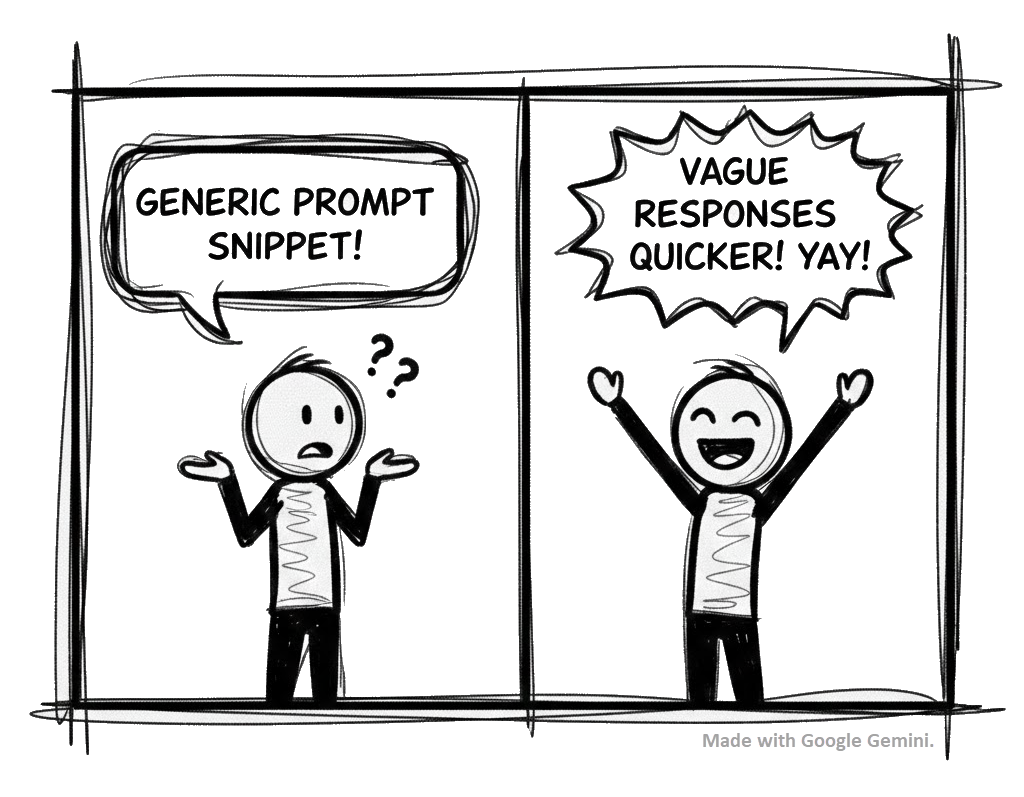
I eventually created and added a generic prompt to a snippet so I could easily insert it. While a bit quicker, I was still spending more time refining the prompt to a given scenario and correcting the AI output than I would have spent writing from scratch. Why? Because of the variety of content we’re asked to produce. Creating this skill was my way of saying, “Claude? I believe in you kid. You can learn this once and apply it every time. Are you with me?”
What building the skill actually required
A custom Claude skill takes skill. And patience. I began where I always do…YouTube. There’s no shortage of videos demonstrating how to create a Claude skill. At least I confirmed that it’s technically easy to do. This is where it got interesting to me, especially since I hoped to share this skill with others on my team, expecting them to use it regularly.
Like good, employee-onboarding content, building this skill forced me to make explicit everything I normally do by instinct. The decisions that feel automatic after years of practice? I had to write them down. All of them. If I couldn’t do that, then what chance would poor old Claude have? Spoiler alert: At the time of writing this, each skill has a 500-line limit. But the skill grew and grew.
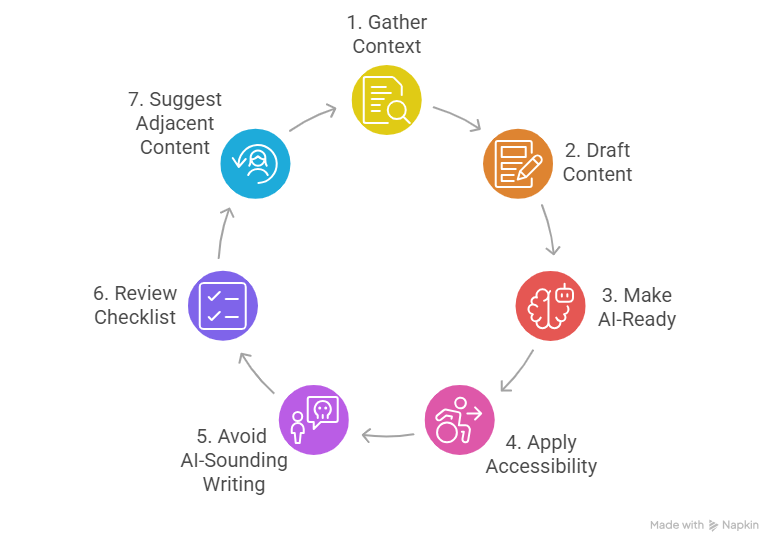
I wound up creating a seven-step workflow. The skill walks through gathering context, drafting with the right structure for the content type, making content findable by both humans and machines, applying accessibility standards, avoiding AI-sounding writing, running a quality checklist and suggesting what content should come next. Seven steps? I thought the same thing…do I really have to do all seven? No. Breathe. Continue reading.
Context must be contextual
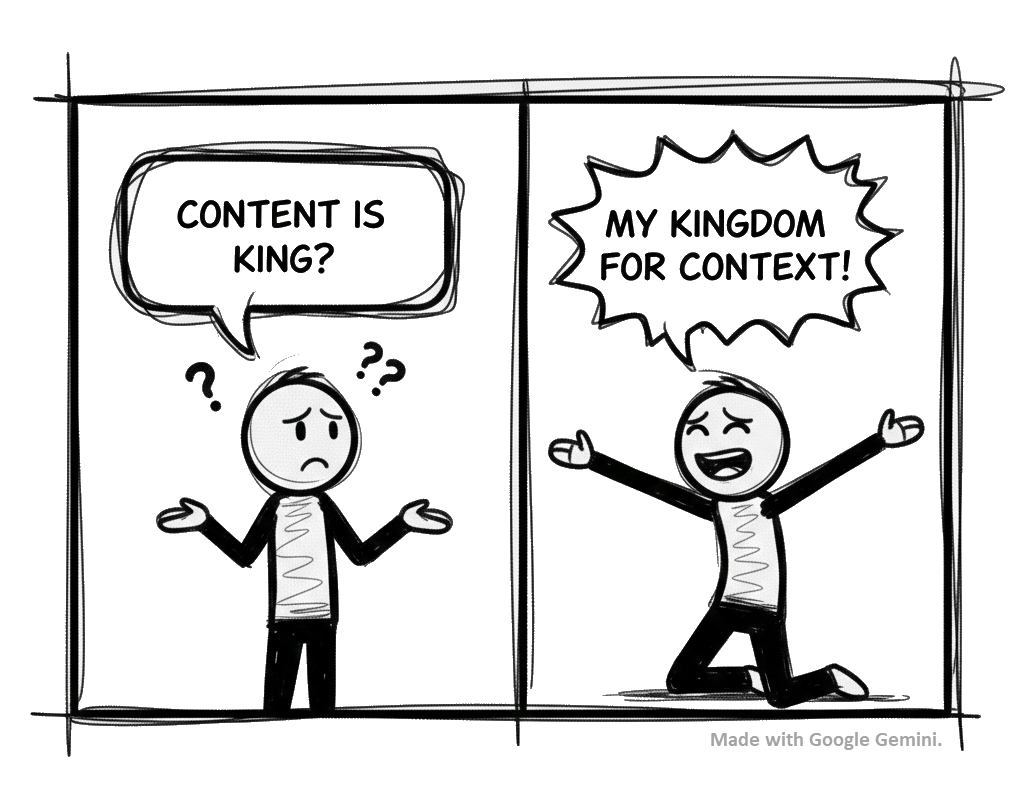
Because I wanted this skill to handle any scenario I’d encounter, I started freaking out a bit. Where do I begin? Ah, let me start poking at a typical software development process to explore all of the contexts I might need to provide. Turns out to have been a good choice. These were the buckets that needed to be filled with content:
- Discovery & Strategy: Content strategy, style guides, word lists/glossaries
- Planning & Definition: PRDs, feature specs, user stories, acceptance criteria
- Design & Prototyping: UX flows, wireframe annotations, content/label guidelines, microcopy, error messages, onboarding copy, empty states
- Build & Document: API references, SDK guides/tutorials, help articles, user guides, compliance documentation
- Launch & Announce: Release notes, changelogs, blog posts, emails, social media posts, campaigns, video scripts, thumbnail copy, captions/subtitles
- Operate & Maintain: FAQs, knowledgebase/troubleshooting articles
Over my career, I’ve produced content for most of these phases. But what was I missing? I asked Claude. “Advice and patterns,” it said.
I’d advise you to seek advice
For that advice, I found myself raiding my browser’s bookmarks and my desk bookshelf, reviewing articles and tomes written by my content heroes. The role I needed Claude to take on wasn’t a single role. It was many roles. After discussing with Claude how best to handle this burgeoning list of content influencers, it suggested I create a “board of directors” to shape the content decisions that the skill would make. So, I bombarded Claude with 22 names and expertise, which Claude then neatly assigned to the processes and content patterns in a practitioners.md file for the skill to use. Hmmm. Go on.
A pattern of patterns
Advice secured. It was time for patterns. I rattled off 30-plus content types covering all phases of software development. Help articles, API references, error messages, social media posts, video scripts, release notes, blah, blah, blah. Claude organized each pattern by where it falls in the software development lifecycle, essentially creating a content calendar (and I’m sure it would if I asked). Again, because the number of patterns kept growing, Claude eventually offloaded it to a content-type-catalog.md file, pointing the skill to it each time.
Making accessibility more accessible
This was personal. Accessibility is an area I’m still growing in, and I wanted Claude to teach me, in the skill itself, how to make my content better for everyone. This was a fascinating turn. During testing, the skill helped me understand WCAG 2.1 AA success criteria and explained them with concrete examples. Nice! I wanted accessibility built in, not bolted on. The guidelines pushed the skill over 500 lines, causing Claude to offload them to an accessibility-checklist.md file for the skill to reference.
Content ecosystem awareness
This is the part I’m most proud of. To anyone who’d listen, I’ve preached making content work better together across process and organizational silos. I asked the skill to treat every piece of content as a part of a larger content ecosystem. The skill considers how each bit should connect to the others…how a help article connects to the onboarding flow, how a release note relates to updated documentation, how a glossary term should be consistent everywhere it appears. I wanted the skill to think about the entire content package for a feature, within the context of an entire content package for a product, within the context of an entire content package for all product offerings…not just the single content piece I asked for. (Note to future self: Ask the skill to build a knowledge graph.)
So many skill surprises
While building a Claude skill, many steps caught me off guard. In no particular order, here they are:
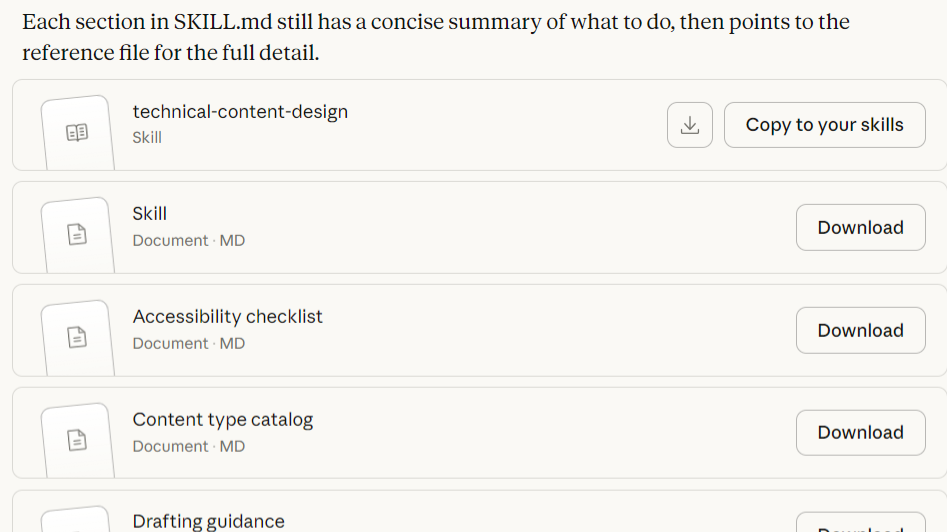
A skill builds its own references to keep itself succinct. I don’t know why that surprised me—perhaps because the YouTube videos demonstrated such simple use cases, no reference files were ever shown. But knowing that one skill can grow, encourages me that I won’t likely need a skill for each content type.
- For example, with context crafted, Claude went on to also add a
drafting-guidance.mdfile that included a section that is used to recommend and provide visuals. (Couldn’t we all benefit from a few more images, he says ironically in this wall of text?) - All these reference files are easily reviewable. Why’s that a surprise? Transparency has rarely been a priority for these companies…10 points, Claude!
- Testing was built into the skill creation process. The iteration that took place before ever producing a topic was appreciated. Claude’s suggestions were often a reminder of something I’d forgotten or hadn’t yet considered. It respectfully made suggestions that were easily actionable, and perhaps more importantly, easily dismissible. A great trust-building experience.
- Claude’s ability to remember was better than I expected. After generating 600-plus messages, Claude reminded me that we’d already created the message I requested, and it told me the exact JSON string and where to find it in the code. That alone will prevent duplication.
- I knew more than I ever wrote down. With experience, I make hundreds of micro-decisions before, during, and after writing. Which heading level. Whether a term needs defining. Whether a task should be five steps or six. Building the skill forced me to surface all of those decisions, examine them and write them down clearly enough for a machine to follow. (I’d be lying if I said I captured them all yet.)
Claude needed a babysitter. Now, I know AI hallucinates, so I was ready for that from an information perspective, but I thought we’d come far enough with these LLMs that they would be a little more varied in the content it produces.
- I had to include an entire section on avoiding AI-sounding writing. Words like “delve,” “landscape”, and “robust.” Rhetorical patterns like defaulting to groups of three or opening with sweeping generalizations. Even punctuation. AI sneezes em dashes all over the place. I had so many guardrails that Claude offloaded them to a
writing-quality-reference.mdfile. Without these guardrails, the skill’s content would read like bad dev docs. With the guardrails, the skill has been producing content that reads more like a person who knows what they’re doing. (Again, I’m sure this list will need to be updated over time.) - Structure matters more than words. I’d heard and suspected this for a while but still had some doubts. No longer. The most valuable parts of the skill aren’t about word choice. They’re about the bones and connective tissue. How to organize a content-type catalog by lifecycle phase. How to flag and tag content that should be reused as a shared snippet instead of copied into five different topics. How to plan ahead for DITA’s semantic patterns (topic types, maps, profiling, linking, metadata) even if you’re not writing in DITA yet.
The real value for me
Building this skill didn’t replace my expertise. It amplified, caffeinated, and validated it. I now have a repeatable approach that quickly and rigidly applies the scenario and standards I provide. (Remember context?) I consistently have caught things I might have missed while sprinting to a deadline, and it has consistently nudged me to consider the entire content ecosystem each time I created something new. Creating custom Claude skills is easy. Give it a try!
The skill is the “proof” of the thinking. The “thinking” is the real work and the real fun!
Learnings
- AI will make content experiences more accessible in the long run based on existing frameworks and schools of thought.
- Testing built in is ideal and prevented many potential errors before they happened. I like the pre-emptive approach Claude takes.
Next steps
- Run a 2-week pilot in the current project to really bang on the skill in a wider variety of content.
- Iterate: Have Claude improve the skill for me…I think it can.
- Experiment with having it create knowledge graphs and images.