Usability testing Teal
Captured and delivered clear, actionable feedback using the customer zero methodology to refine workflows and maximize the tool’s potential for job seekers.
Overview
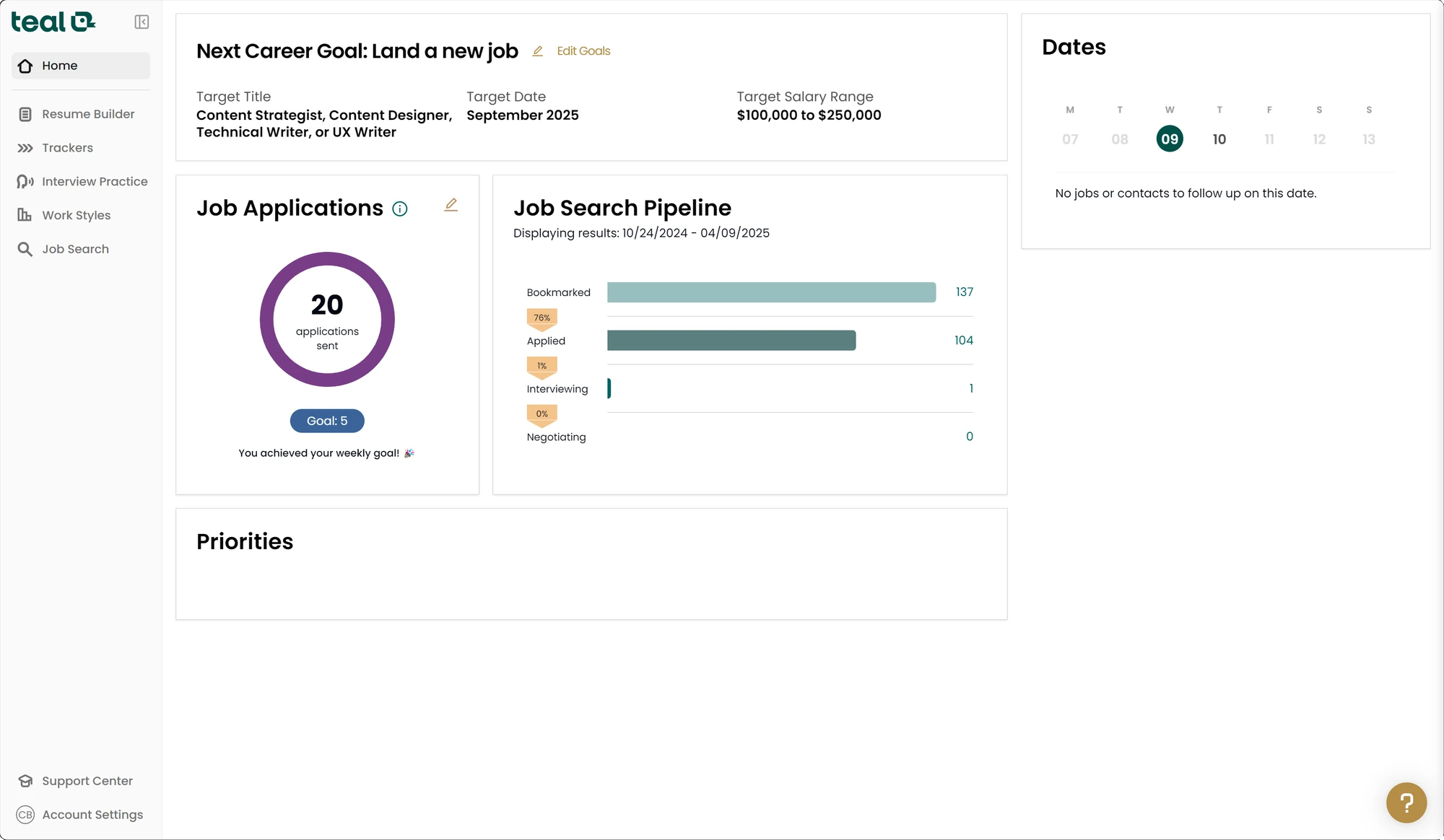
Teal is a SaaS product that offers a suite of tools, including a resume builder, to simplify the job search process. Its browser extension helps simplify capturing job descriptions, contact information, and company details.
Goal
I started using the Teal browser extension and service as a Teal+ subscriber. During daily use, I experienced some usability challenges, so I captured my experiences using the customer-zero approach with the intent of providing feedback directly to the Teal team.
Results
Dozens of bugs and nice-to-have suggestions were captured and delivered directly to the founder of Teal. Many of them were added to their design sprint backlog. Side benefit of using Figma: The team added the share link directly to the corresponding Jira issues for easy context.
- Team
- Me
- My role
- Usability testing
- Timeline
- 1 week
- Tools
- Teal, Microsoft Edge, TechSmith Snagit, Figma
Plan
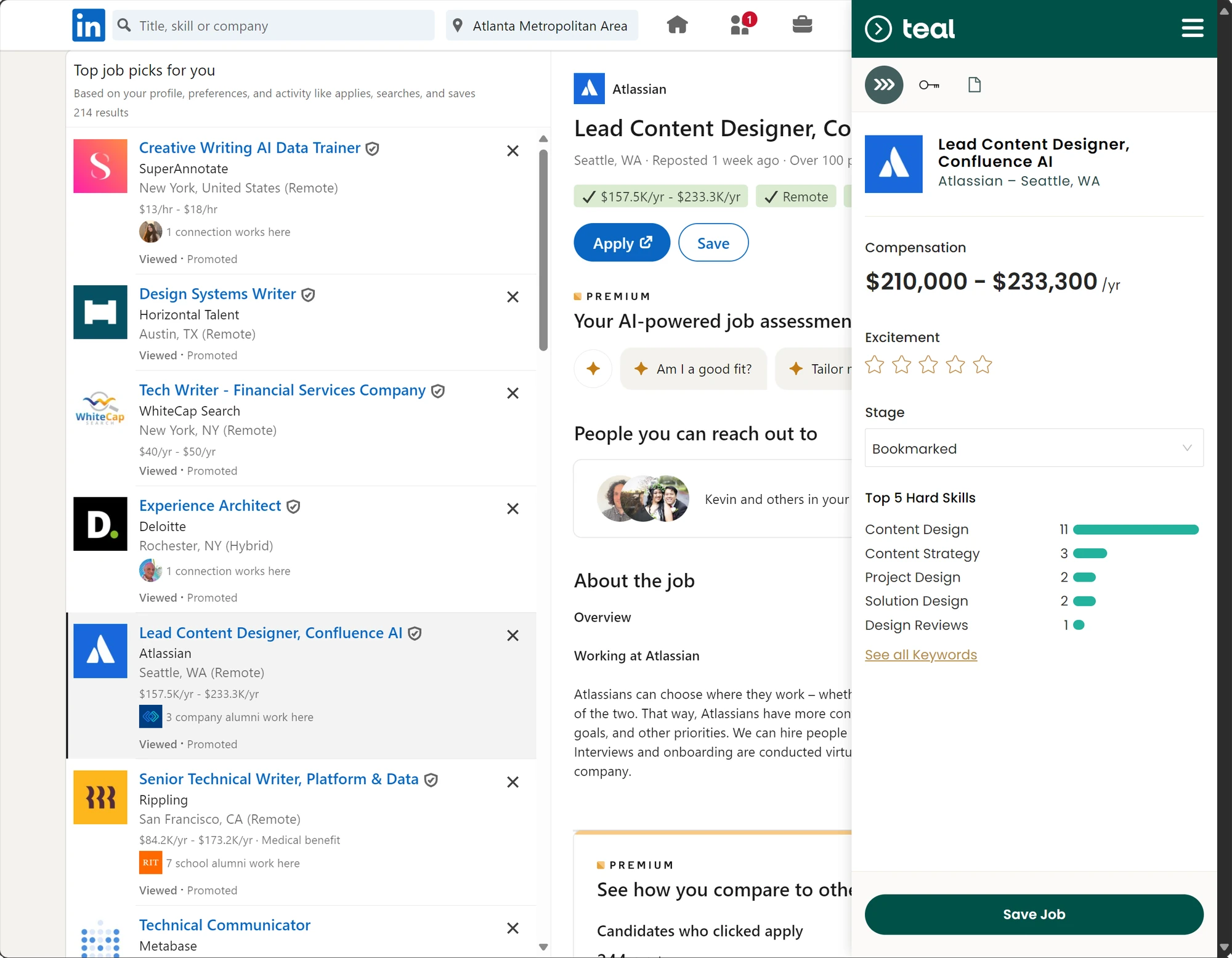
As “customer zero”, I engaged in a workflow testing process to assess the effectiveness of Teal’s features for new users. I chose to focus primarily on the most common workflow—saving a job posting and generating a custom resume for it. Testing involved an array of job descriptions, focusing on my firsthand experience with the Teal browser extension in Microsoft Edge.
Capture
I collected feedback over the course of one week regarding the usability and overall experiences with the browser extension and their website, identifying both issues and areas for improvement.
Deliver
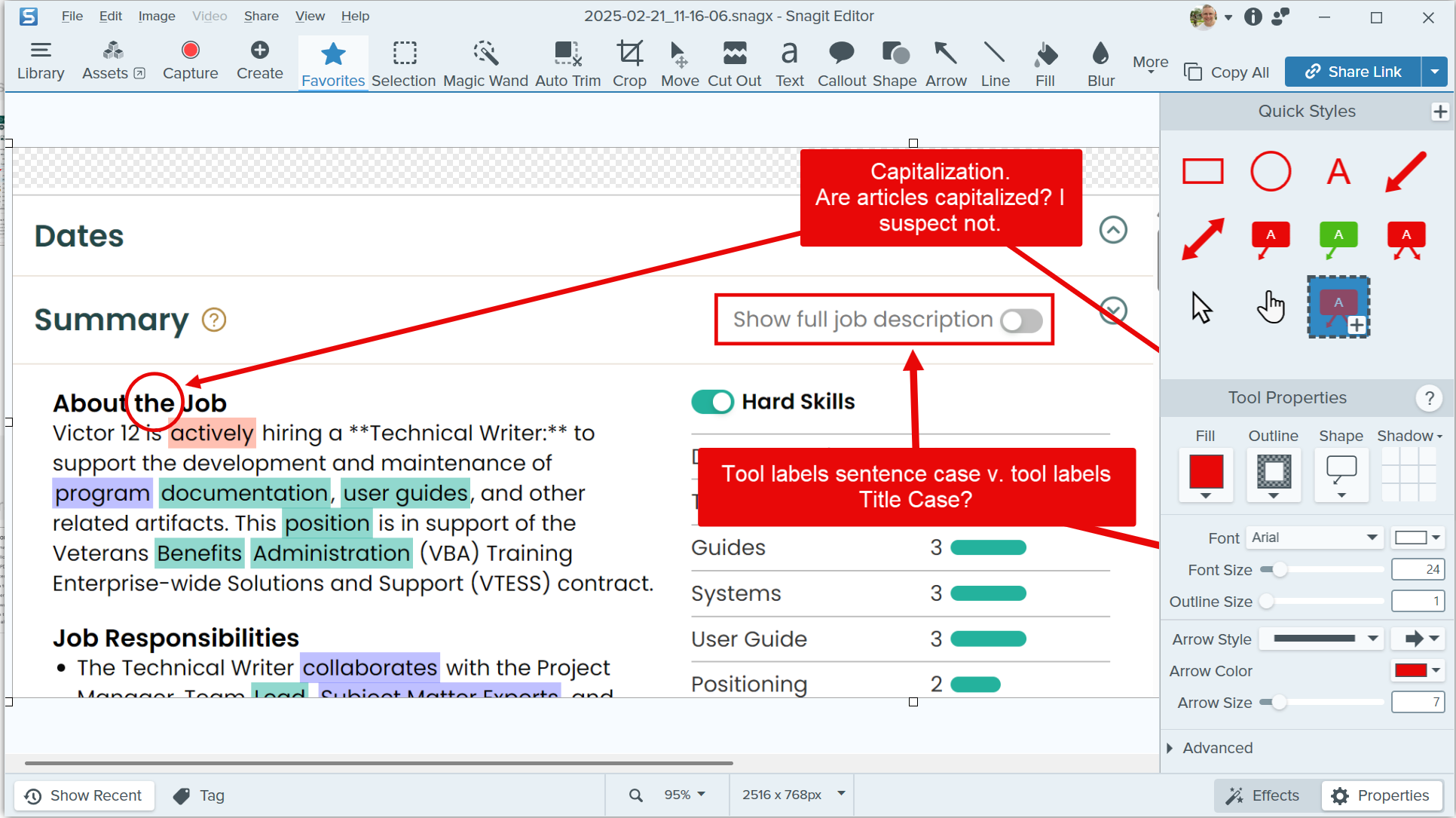
For simplicity, I chose to use a Figma design file to share the captured feedback. Based on previous conversations with the Teal team, I knew they were familiar with Figma and could navigate and comment on it easily as needed. Figma also enabled me to continue adding feedback as I discovered it, so it became a living document all could revisit.