Gamifying a style guide
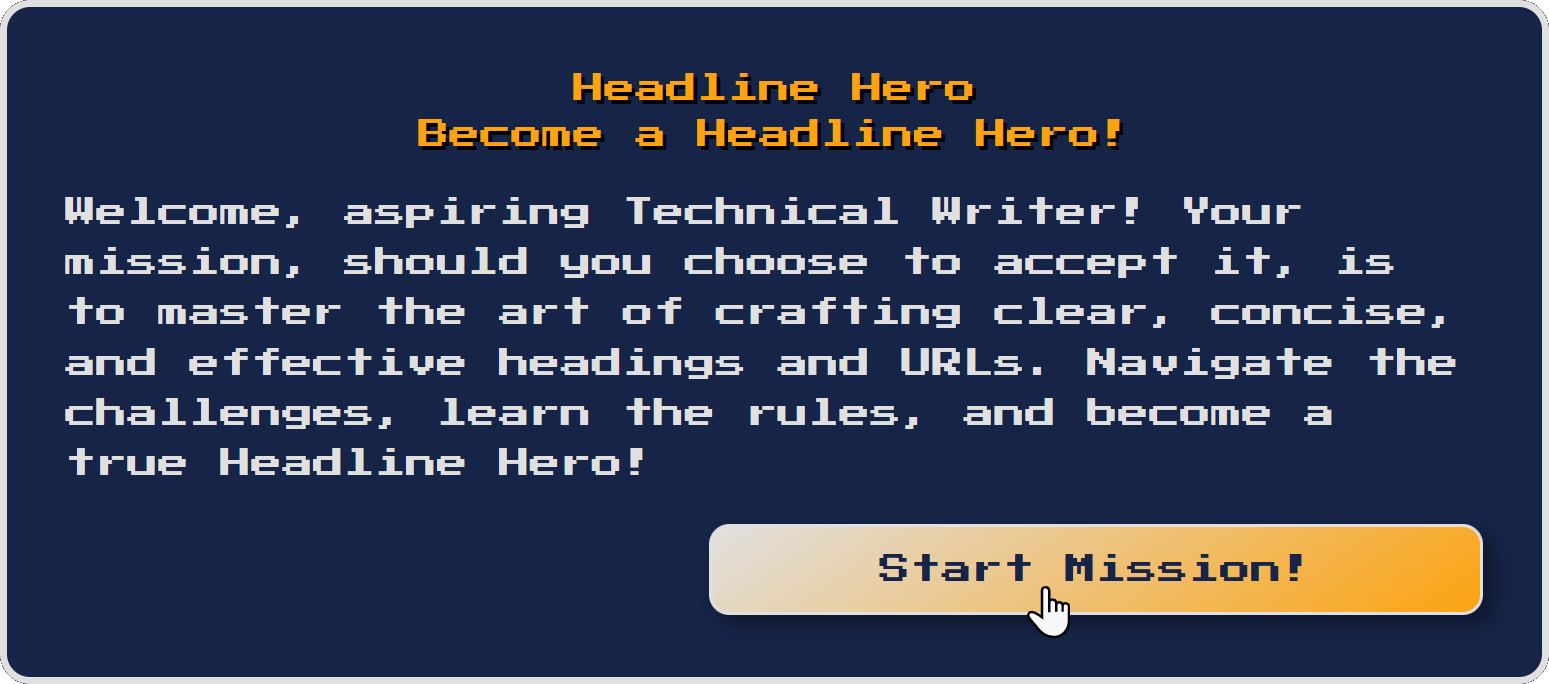
I used Gemini to build a learning game quickly from a PDF that contained content guidelines. The “Headline Hero” game was well-received by testers. These style guide games will be used to onboard new team members and to remind existing employees of the rules they should be applying already.
Overview
Reading and memorizing content guidelines can be a tedious task for anyone. To make it more engaging, I transformed guidelines for creating headings and links into a quiz game. This gamified approach could not only educate the team, but also foster enthusiasm for learning the style guide’s rules.
Goal
The objective was to use AI to code the game based on the guidelines provided, where players earned points for correct answers. This game should be fun, educational, and a practical tool for onboarding and training, ensuring people quickly internalized the guidelines while enjoying the process.
Results
The Headline Hero game received positive feedback from testing, boosting participation and retention of the guidelines. It also enabled the identification of areas where the rules and examples could be clarified or expanded. Additionally, this innovative approach demonstrated our commitment to embracing opportunities to enhance internal processes. Give it a try!
- Team
- Me
- My role(s)
- Coder, usability tester
- Timeline
- 30 minutes
- Tools
- Google Gemini
Plan
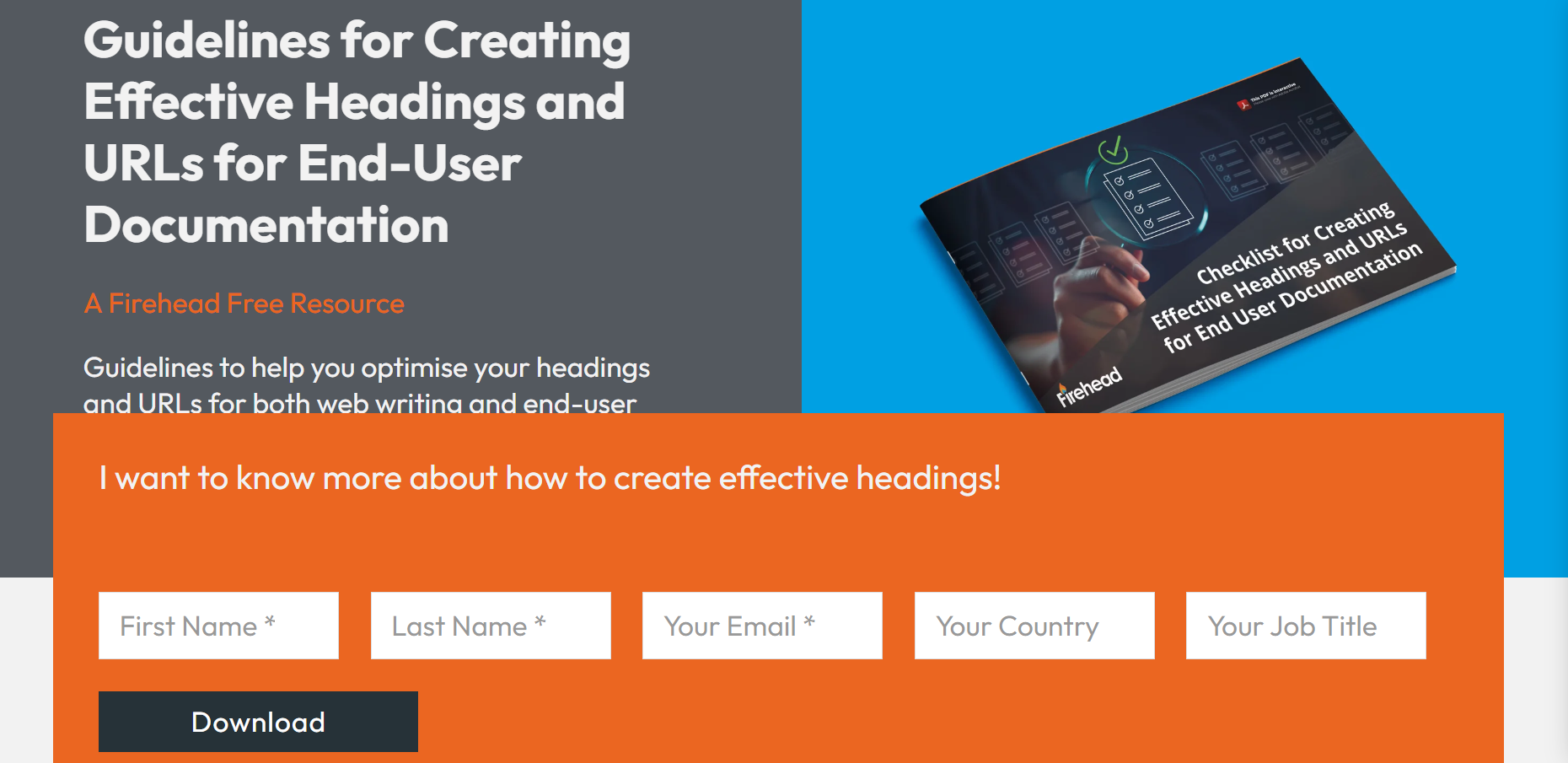
Getting ready couldn’t have been easier. First we needed the guidelines. With permission from Firehead, I used an 8-page PDF that covered heading and link creation guidelines. Using a small set of rules to start was enough for a quick proof-of-concept.
Prompt
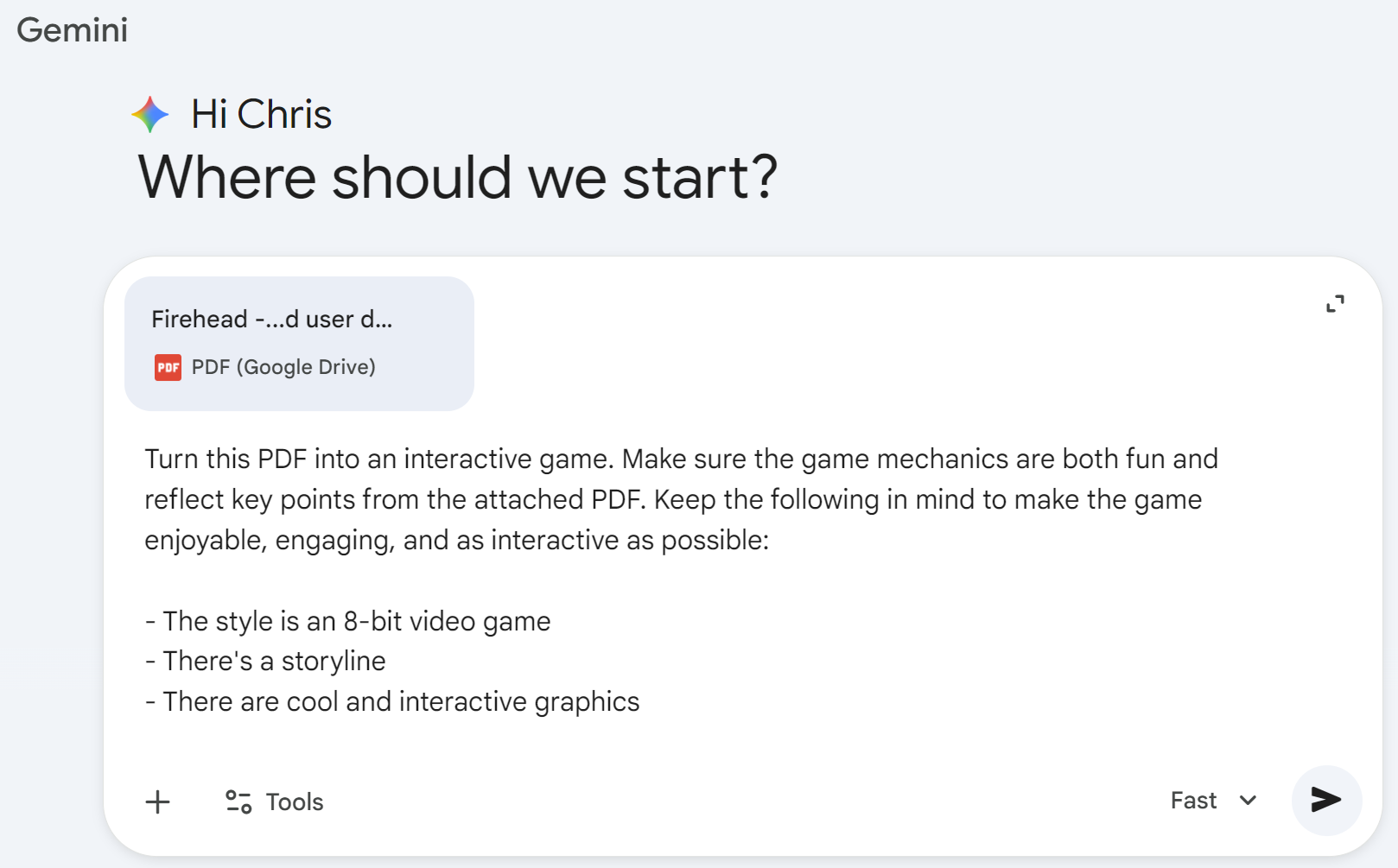
Using Gemini, I uploaded the PDF and entered the prompt to transform the guidelines into the interactive game. The prompt emphasized fun, achievement, a storyline, and engaging graphics to ensure an enjoyable user experience.
After the original code was generated, I quickly tested the initial outcome in Gemini’s preview. While the first version was almost perfect, I iterated on the prompt to enhance the game’s replayability to allow up to six rounds. I also re-prompted to adjust the padding and text alignment. The result was v1 of the game.
Deliver
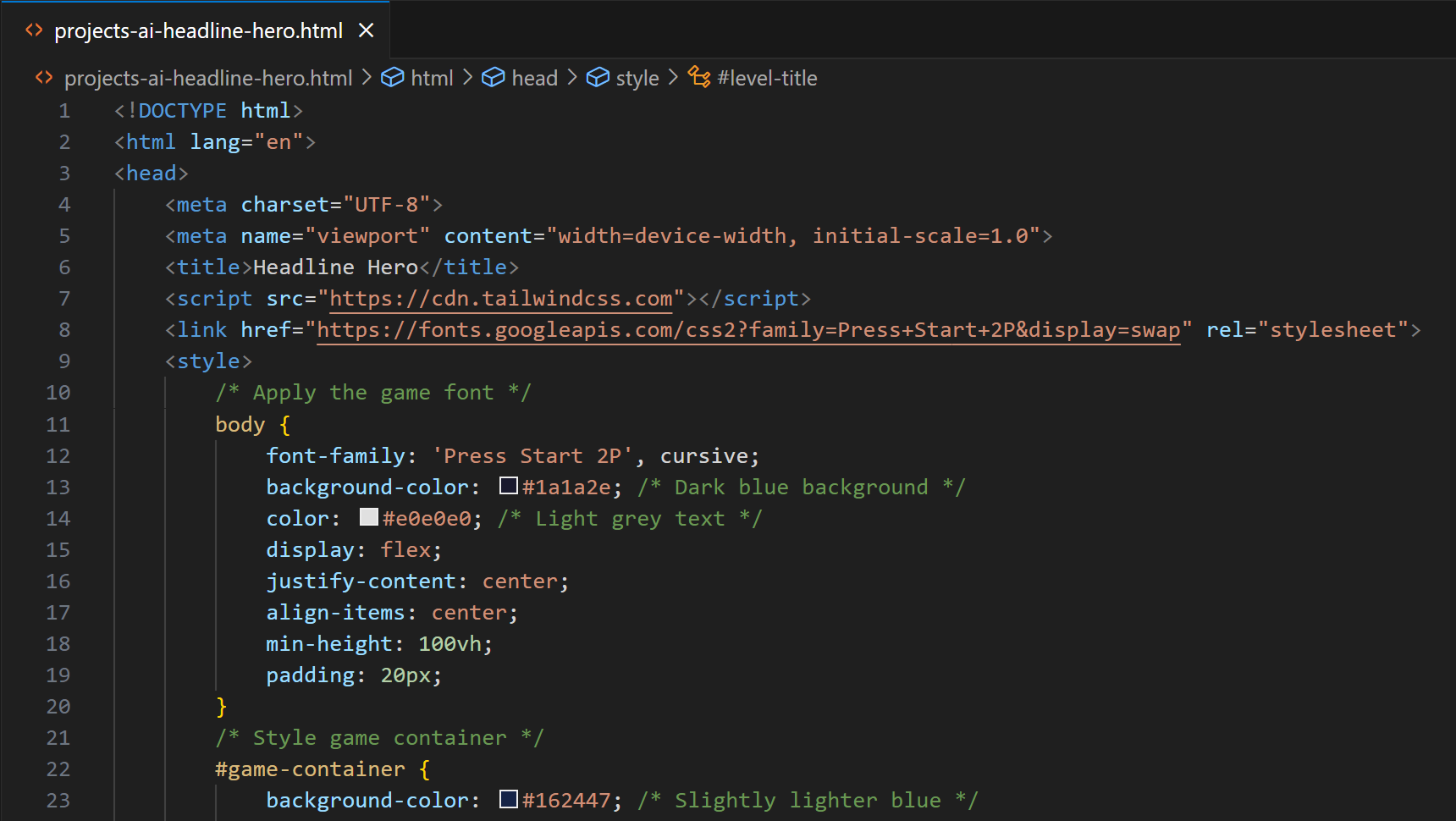
For feedback, I shared the Gemini canvas Preview link with my testers to gather initial impressions. Once the feedback loop was complete and more formatting adjustments were made, I finalized the project by copying the HTML into Visual Studio Code and uploading it to the GitHub repository. This ensured access for everyone with the link.
Learnings
Vibe coding can lead to some fun learning opportunities. Using Gemini, I was able to create and host a game nearly instantly, knowing little code.
Next steps
Bonus: If you’ve read this far, check out the sequel, Documentation Quest with a boss level!